AlignWellz: an AI learning companion for Grade R–12 learners in South Africa
Dream bigger. Learn smarter. Achieve more. AI-powered learning for South African learners from Grade R to Grade 12.
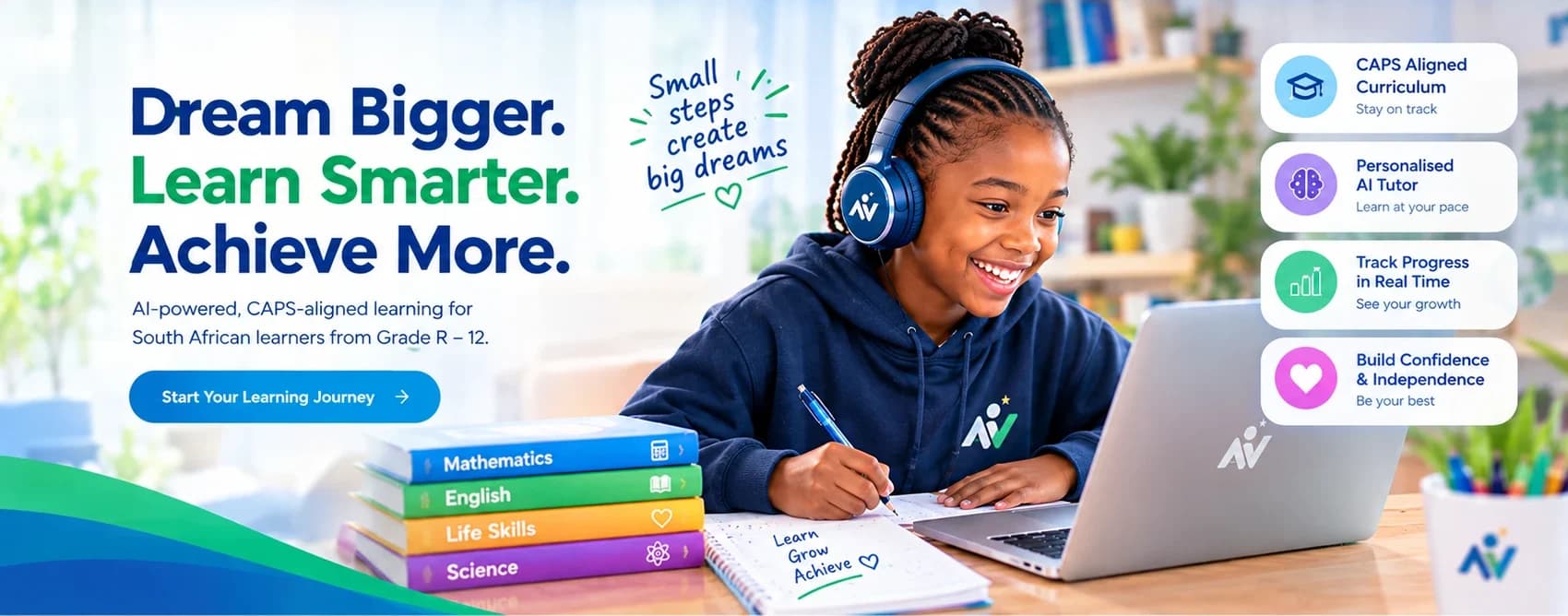
AI-powered learning for South African learners from Grade R to Grade 12: homework help, CAPS topics term by term and a parent dashboard.
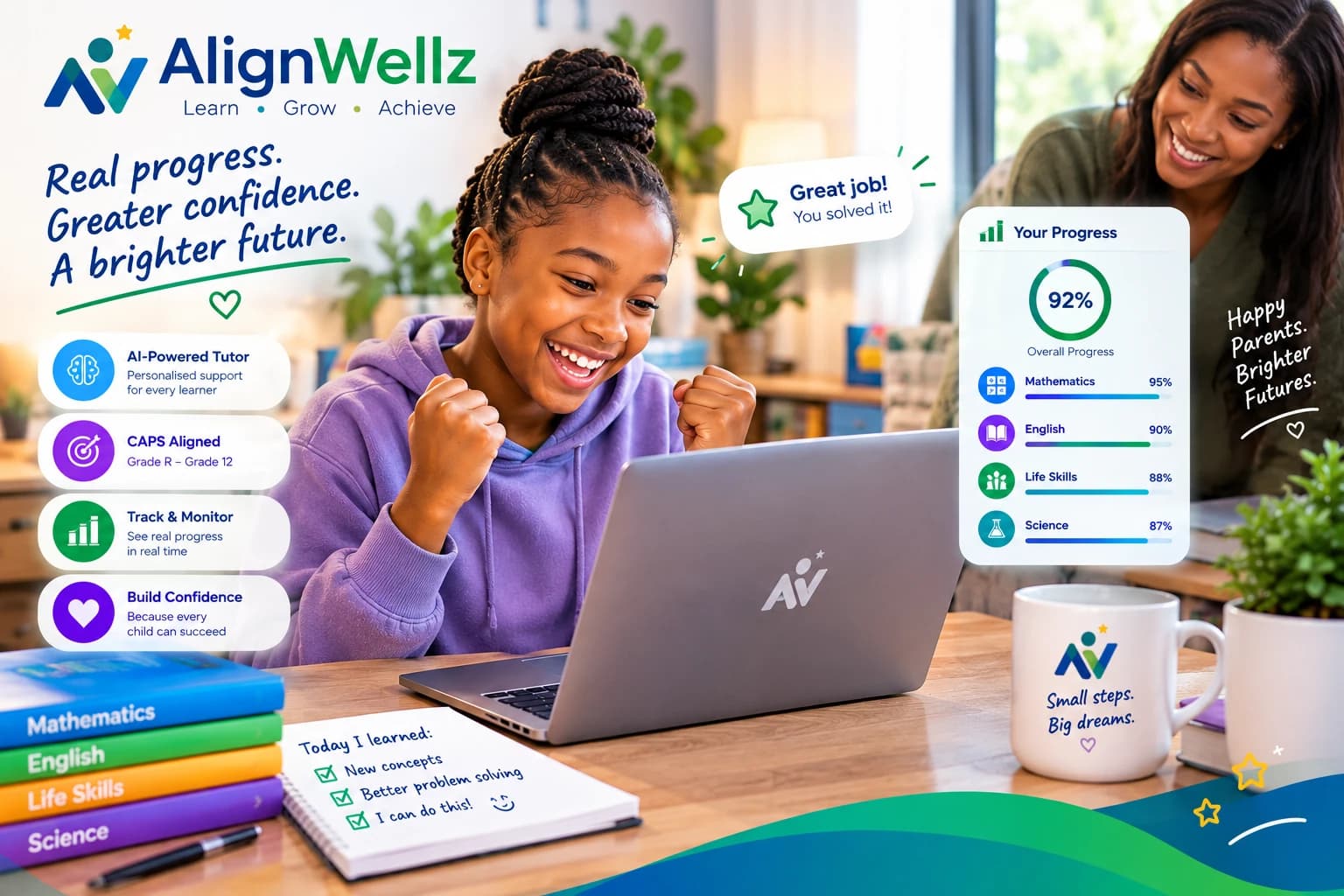
See how the tutor teaches
A short example of the style: it asks questions, lets your child try, and changes its explanation when something doesn't click.
Example only. This is a simulated conversation we wrote to show the teaching style, not a real child's chat. Real conversations vary, and the AI can make mistakes.
- Your childI don't get how to add 3/4 and 1/8.
- AlignWellz tutorGood one to work on! Before we add, look at the bottom numbers: 4 and 8. Can you think of a number that both 4 and 8 fit into?
- Your child8?
- AlignWellz tutorYes! So let's turn 3/4 into eighths. How many eighths are the same as 3/4?
- Your childI don't understand.
- AlignWellz tutorNo problem, let's try it with a picture in your head. Imagine a chocolate bar with 4 equal pieces, and you have 3 of them. Now snap every piece in half, so the bar has 8 small pieces. How many small pieces is your share now?
- Your child6 out of 8!
- AlignWellz tutorExactly: 3/4 = 6/8. Now try just this one step: what is 6/8 + 1/8?
The idea behind that step, drawn for this page. The tutor itself explains in words and numbers.
How AlignWellz adapts to your child
Here is exactly what “adapts” means today, so you know what to expect.
It explains things a different way
If your child says they don't understand, the tutor doesn't just repeat itself. It tries simpler words, a real-life example, a step-by-step breakdown, or checks whether an earlier building block is missing.
Practice gets easier or harder with their results
On selected Grade 8 maths topics (Theorem of Pythagoras, algebraic equations and exponents), practice questions start at an easier level and move up as your child answers correctly.
Practice results build a picture of strengths
Answers to those practice questions feed a simple label for each topic: Strong, Developing, Needs practice or Not yet assessed. Parents see these labels in the dashboard.
A study plan puts weaker topics first
The study plan lists maths topics in order of how much work they need, so your child spends time where it helps most.
What it doesn't do yet: practice questions and topic labels cover selected maths topics only, not every subject. The tutor doesn't carry memory from one conversation into the next, and it doesn't measure how fast your child works.
How it works
From sign-up to your child's first question takes about a minute.
Step 1: Create a family account
Sign up with your name, email and a password. You get a 7-day free trial and no credit card is needed.
Step 2: Add your child
Enter their name and grade (Grade R–12), choose their subjects and languages, and pick English or Afrikaans for the tutor. Your child doesn't need an email address or a login of their own.
Step 3: Your child learns
They can type a question, talk to the tutor in browsers that support it, or upload a photo of homework. They can also try practice questions on selected maths topics.
Step 4: You see how it's going
Open your parent dashboard to see their activity, practice results, topic labels, daily goal and streak.
Curious about the details? Read about the AI tutor or homework help.
Meet your child's tutor
It guides, it doesn't just give answers.
The tutor asks a question, gives a hint and lets your child try. If they say they don't understand, it explains a different way instead of repeating itself.
Try AlignWellz Free for 7 DaysExample only · not a real chat
I don't understand fractions.
No problem. Imagine a chocolate bar with 4 equal pieces and you have 3 of them. What fraction do you have?
What you see as a parent
You don't have to guess how it's going. Your dashboard shows what your child has been doing.
Example screen. Made-up numbers, not a real child.
Example learner
Grade 8
Daily goal
4 days
Goal: 15 min/day
Learning activity
5 learning sessions · ~62 min
Subjects: Mathematics
Practice: 7/10 correct
2 homework photos uploaded
Topics
- Theorem of PythagorasStrong
- Algebraic EquationsDeveloping
- ExponentsNeeds practice
What the dashboard includes
- Learning activity: sessions, approximate minutes, subjects and practice results
- Topic labels: Strong, Developing, Needs practice or Not yet assessed (maths topics)
- A daily goal you set and a day streak
- 30-day progress graphs, a subjects overview and a monthly calendar
- A study plan, and past conversations with the tutor
Skill labels and practice results currently exist for selected maths topics. For other subjects you see time and activity. See more on the parents page.
English or Afrikaans
When you add your child you choose the language they learn in.
What works
- Your child types in English or Afrikaans and the tutor answers in the language you chose.
- You can add children with different languages to the same family account.
What to know first
- Talking to the tutor out loud is English only for now. Afrikaans children can type.
- The website and parent screens are in English.
- It's an AI, so check anything important, in either language.
Built for South African learners
AlignWellz covers Grade R to Grade 12 across your child's school subjects, organised the way the CAPS curriculum is: grade, subject, term, topic.
- Grade R
- Grades 1–3
- Grades 4–6
- Grades 7–9
- Grades 10–12
What CAPS means here
The subjects for each grade follow the Department of Basic Education's national policy, so a Grade 2 learner and a Grade 8 learner see different subjects. Topics for each term are read from the official CAPS documents, and every subject links the official document so you can see exactly what is taught. Browse every subject on the grade pages.
Works alongside how your child learns
Public school, private school or homeschool: your child can use AlignWellz for extra support next to whatever they're doing. It doesn't replace a school or a teacher.
Safety and privacy, in plain language
Your child's information matters. Here is what happens to it.
What we collect
Your name, email and password (stored as a hash, never as plain text). Your child's name and grade. Their chat messages, uploaded homework photos, practice answers and progress. Payment records, but never card numbers.
Why we collect it
To run the tutor, show you your child's progress, take payments, and keep the service working. We don't sell personal information and we don't use children's learning data for advertising.
Who can see it
You, through your account. Children don't have logins of their own. We share data only with the services that run AlignWellz: Anthropic (the AI), Neon (database), Vercel (hosting) and Yoco (payments).
Homework photos
Uploaded photos are stored privately and are only shown to the parent whose child uploaded them. To read the writing, the photo is sent to Anthropic, the AI provider.
AI training
AlignWellz doesn't train AI models on your child's data. Anthropic's commercial terms also say Anthropic may not train its models on customer content from its services.
How long we keep it, and deleting it
We keep data while your account is active. You can ask us to delete your account and your children's data by emailing info@alignwellz.com.
Cookies and tracking
One cookie keeps you signed in. We don't use advertising cookies or third-party trackers.
Security
Connections are encrypted and passwords are hashed. No system is completely secure, but we work to keep this data protected.
If your child says something worrying
If your child mentions being in danger or wanting to hurt themselves, the tutor gently encourages them to tell a parent, teacher or other trusted adult. This works by recognising certain words, so it is a safety net and not a monitoring service. Please stay involved in how your child uses it.
This is a summary. Read the full Privacy Policy and Terms of Service.
Built for learning, not shortcuts
It teaches, it doesn't just hand over answers
The tutor guides step by step: a question, a hint, a chance to try, then feedback. If your child genuinely wants to understand how to solve something, it explains. If they only want to get it over with, it steers them back to the thinking.
It sits beside school, not instead of it
AlignWellz is extra support for your child. It doesn't replace teachers, lessons or you.
It can make mistakes
It's an AI. It can get things wrong, and a photo of handwriting can be misread. For anything important, check with your child's teacher.
You stay in the loop
Most children can use it on their own, but it helps to check in. Your dashboard shows what they've been working on.
Where we are today
AlignWellz is new and is currently being tested with real learners. We'd rather show you what it does honestly than invent praise, so try it free and judge for yourself.
Simple pricing, after a free start
Try everything free for 7 days with no credit card. Then choose monthly or yearly.
Free trial
R0
for 7 days, no credit card
Monthly
Regular price R3,400R1,999
Launch price, save 41%
per month
Annual
Regular price R24,000R19,500
Launch price, save 19%
per year, best value: R4,488 less than 12 monthly payments at the launch price
What's included
- AI tutor chat for your child's grade and subjects, in English or Afrikaans
- Talking to the tutor in supported browsers (English)
- Homework photo upload (clear photos in JPG, PNG or WebP)
- CAPS topics by term for most subjects, links to the official DBE documents, practice on selected Grade 8 maths topics and a study plan
- Daily goals and streaks
- The parent dashboard
Good to know
- Prices are in South African rand. Launch prices end on 31 December 2026. From then the regular prices are R3,400 a month and R24,000 a year.
- During the free trial your child can talk to the tutor for 20 minutes on each weekday. The trial counts 7 weekdays (Monday to Friday): talking rests on Saturday and Sunday, weekends do not use up trial days, and it carries on from Monday. Typing is always available.
- On a paid plan each child can talk to the tutor for up to 90 minutes on a weekday and 30 minutes on a weekend day, and a family can talk for up to 3 hours a day in total. The time starts afresh every day and does not carry over. Typing is always available.
- Plans are per family account, and you can add more than one child to it.
- There's no monthly cap on messages. Very rapid-fire messaging (about 120 messages in 5 minutes) is slowed down to keep the service running for everyone.
- Plans don't renew automatically, so there's nothing to cancel. You choose whether to pay again. Fees for a period you've already paid for aren't refunded.
Details are on the pricing page and in the Terms of Service.
Questions parents ask
What is AlignWellz?
AlignWellz is an AI learning companion for South African learners in Grade R–12. Your child can ask questions and get step-by-step explanations, try practice on selected maths topics and build a daily learning habit, while you see their progress in a parent dashboard.
Which grades does it cover?
Grade R to Grade 12. When you add your child you choose their grade, and then the subjects and languages they take. Those follow the national rules for their phase, so a Grade 2 learner and a Grade 8 learner see different subjects. The tutor is told your child's grade, subject and (where you choose one) term and topic, so its explanations suit their level.
Is it aligned to CAPS?
It is built for South African learners and organised the way CAPS is: grade, subject, term, topic. The subjects for each grade follow the Department of Basic Education's national policy, and topics for each term are read from the official CAPS documents, which every subject page links so you can see exactly what is taught. CAPS is the national framework and schools teach in their own order, so the tutor always puts your child's own material first.
Does it replace my child's teacher?
No. AlignWellz is extra support alongside school or homeschooling. It doesn't replace teachers, lessons or a parent's involvement.
Will it just give my child the answers?
It is designed to teach. The tutor guides with questions and hints, lets your child try, gives feedback, and explains if they're still stuck. If your child genuinely asks how to solve something, it will explain. If they are only trying to avoid the work, it nudges them back towards understanding. No AI is perfect, so this is a design aim, not a guarantee.
How does it adapt to my child?
Three real ways: when your child says they don't understand, the tutor tries a different explanation instead of repeating itself; on selected Grade 8 maths topics, practice questions get easier or harder with their results; and the study plan puts weaker maths topics first. It doesn't remember earlier conversations or measure how fast your child works.
Can my child talk to AlignWellz instead of typing?
Yes, in browsers that support speech recognition (for example Chrome and Edge). Your child taps the microphone, talks, and the tutor's reply is read out loud; they can interrupt it. Speech is English only for now, and your browser will ask for microphone permission. If your browser doesn't support it, the microphone button doesn't appear and typing works as normal.
Can my child upload a photo of their homework?
Yes. Photos can be JPG, PNG or WebP. AlignWellz reads the text in the photo and the tutor uses it to help your child with that work. Clear, well-lit photos work best; handwriting can be misread, and the tutor will ask your child to check anything unclear. The photo is sent to our AI provider to read it and is stored privately.
Does it work in Afrikaans?
Typing works in Afrikaans: choose Afrikaans when you add your child and the tutor answers in Afrikaans. Talking out loud is English only for now, and the website and parent screens are in English.
Which subjects can my child get help with?
All of their school subjects: you choose them when you add your child (for example Home Language, First Additional Language, Mathematics and Life Skills in Grade 2, or Mathematics, Natural Sciences, Social Sciences and more in Grade 8). Your child tells the tutor which subject they are working on and it switches when they switch. Practice questions are currently limited to selected Grade 8 maths topics.
Is my child's information safe?
We use encrypted connections, store passwords as hashes, keep uploaded photos private, and only show a child's information to their parent's account. No system is completely secure. Our Privacy Policy explains what we collect and why in full.
Who can see my child's chats and uploads?
You, through your parent account. Children don't have separate logins. A few services process the data to run AlignWellz: Anthropic (the AI), Neon (database), Vercel (hosting) and Yoco (payments, which never gives us card numbers). We don't sell personal information or use it for advertising.
Is my child's data used to train AI?
AlignWellz doesn't train AI models on it. Anthropic's commercial terms also state that Anthropic may not train its models on customer content from its services. See our Privacy Policy for the full picture.
Do I need a credit card for the free trial?
No. You can create an account and use AlignWellz free for 7 days without entering payment details.
What happens after the 7-day trial?
The trial ends and you choose whether to continue on a paid plan. Nothing is charged automatically, so if you decide not to continue you simply don't pay.
How much does it cost?
R1,999 per month or R19,500 per year (R4,488 less than twelve monthly payments), in South African rand, after the free trial. These are launch prices: Launch prices end on 31 December 2026. From then the regular prices are R3,400 a month and R24,000 a year.
Can I add more than one child?
Yes. Plans are per family account and you can add more than one child to your account.
Can I cancel? Do you give refunds?
Plans don't renew automatically, so there is nothing to cancel: you just don't pay again. Fees for a period you've already paid for aren't refunded. The full details are in our Terms of Service.
What devices does it work on?
AlignWellz runs in a web browser on a phone, tablet or computer. There is nothing to install.
Does my child need supervision?
Most children can use it on their own, but it helps to check in. If your child mentions being in danger or wanting to hurt themselves, the tutor encourages them to tell a trusted adult. That works by recognising certain words, so it is a safety net, not a monitoring service.
Can the AI make mistakes?
Yes. It can be wrong, and text read from a photo can be misread. For anything important, check with your child's teacher.
How do I delete my child's data?
Email info@alignwellz.com and ask us to delete your account and your children's data. There is no self-service delete button yet.
See how it works for your child
Create a family account, add your child and let them ask their first question. If it isn't for you, you simply don't continue. Nothing is charged automatically.
No credit card required